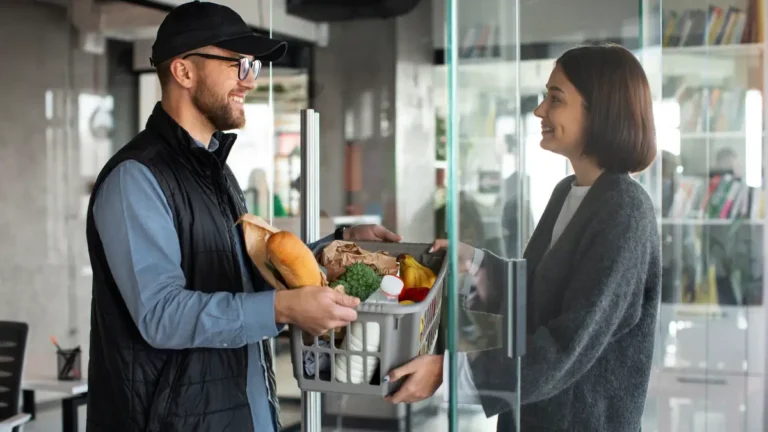
Reducing Failed Deliveries & COD Losses with Smarter Store Settings & Policies

Reducing Failed Deliveries & COD Losses with Smarter Store Settings & Policies
COD boosts orders. It also invites misuse. Failed deliveries quietly burn margins and morale.
You don’t have to remove COD. You have to control it.
1. Use PIN Code & Order Rules
- Allow COD only where:
- You can deliver reliably
- RTO history is acceptable
- Restrict COD for:
- Very high-value orders
- Certain remote or high-risk areas
2. Pre-Confirmation for Risky Orders
For specific cases:
- Auto-send confirmation message:
- “Reply YES to confirm your COD order.”
- Call verification for high-ticket COD.
This one extra step filters unserious orders.
3. Clear Communication Reduces “I Didn’t Know”
- Show:
- Delivery timelines
- COD charges (if any)
- Return/Exchange rules
- On:
- Product pages
- Checkout
- Order confirmation
When expectations are clear, refusals drop.
4. Good Packaging & Reliable Partners
- Strong packaging → fewer damages → fewer rejections.
- Reliable logistics partners → better delivery experience.
5. Track RTO & COD Data
- Which PINs fail most
- Which SKUs get refused often
- Which channels send low-quality COD orders
Tune rules monthly based on facts.
6. Use Your Store Settings Wisely
A good store system lets you:
- Configure COD by rules—not custom hacks
- Adjust based on learning
A managed approach like ShopSwift sets this up so changes don’t break other flows.